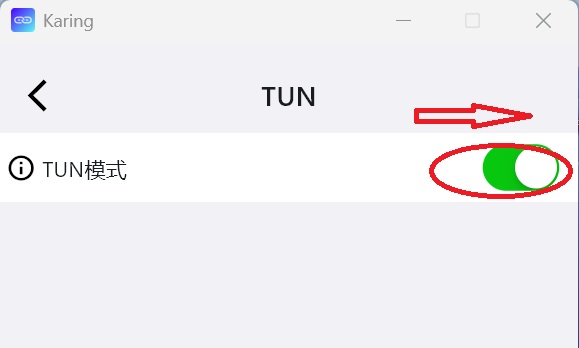
¶ [TUN] mode function:
Force all software (and open the corresponding Port) to connect through [TUN] mode.
It can solve the connection problems of most game software, games and office platforms.
Note:
- Please exit the current Karing VPN program before enabling [TUN] mode each time.
- When starting [TUN] mode for the first time, you need to turn on [administrator mode]
¶ 1. Open [Administrator Mode] for the first time
(1) Click the karing icon on the desktop
(2) Right-click the mouse and select [Content], then select [Advanced] on the [Content] page
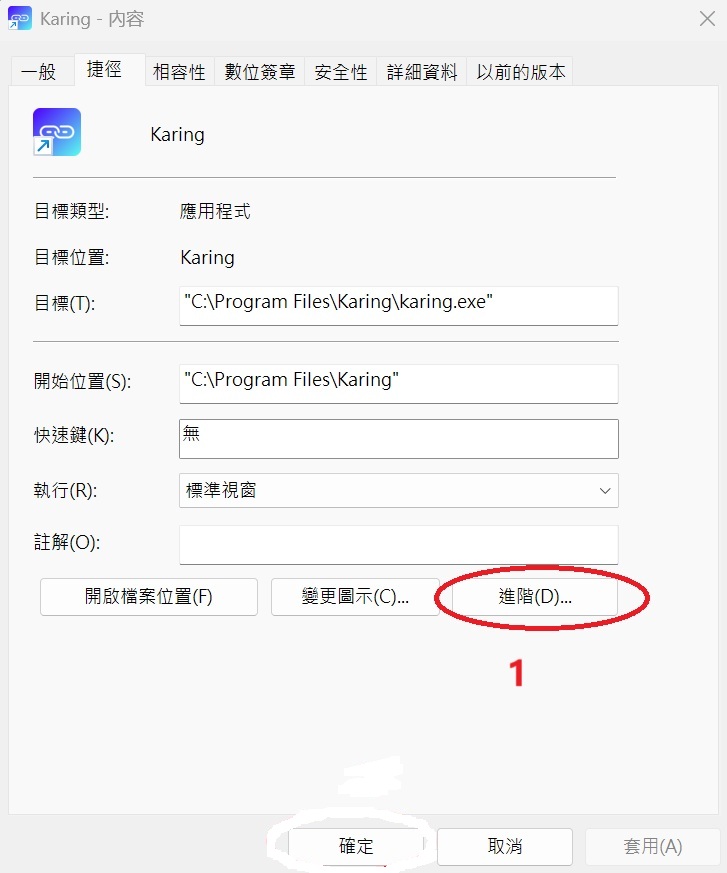
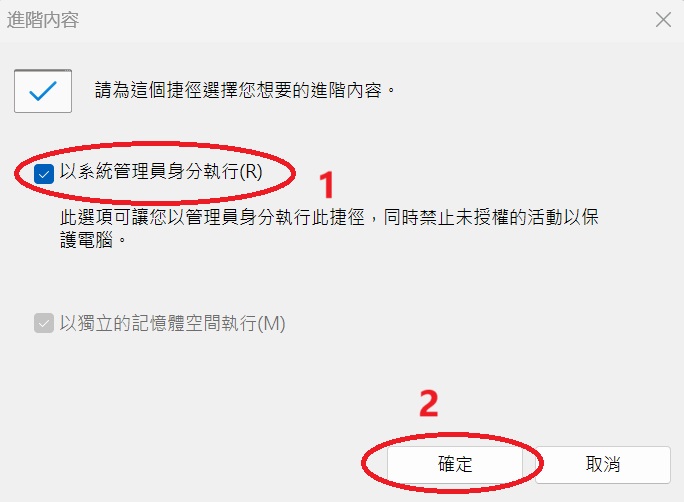
2. On the [Advanced] page, select [Run as system administrator], and then select [OK].
¶ 2. Turn on [TUN] mode
(1) Click the gear icon of Karing
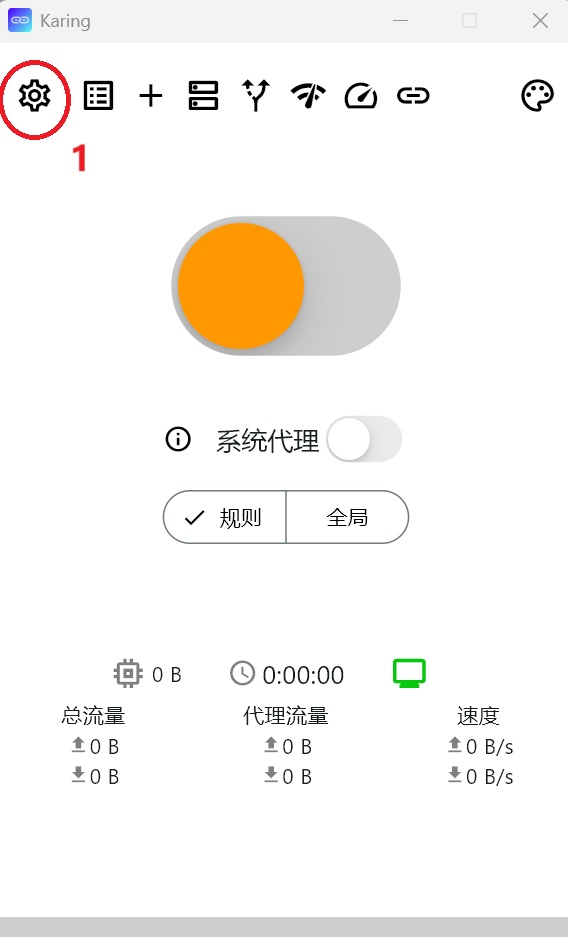
2. Click [TUN] on the next [Settings] screen
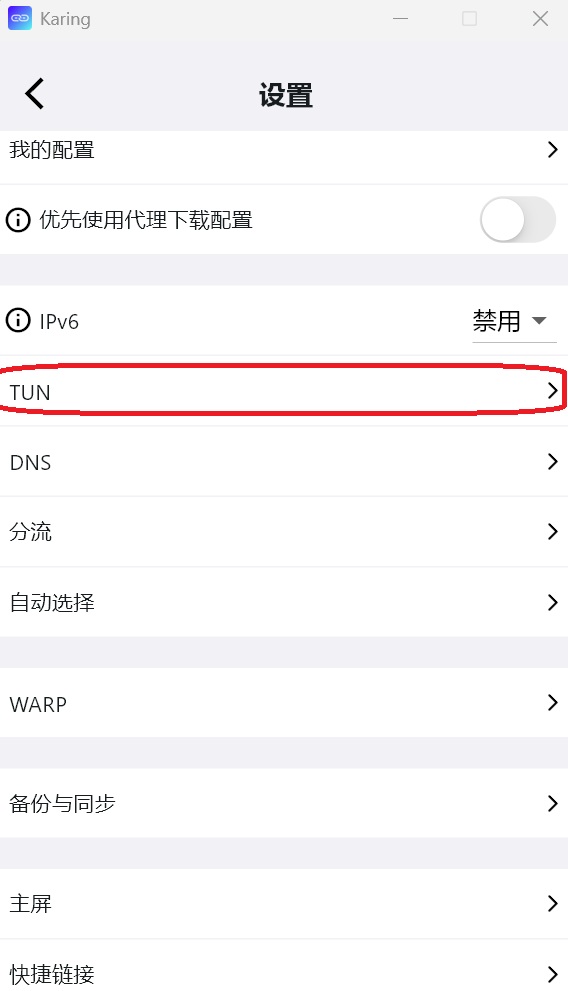
3. In the next screen, pull the slider to the right until it turns [green], which means the [TUN] mode is turned on.